
ADVANCED
Powerful Filtering
Isolate what matters
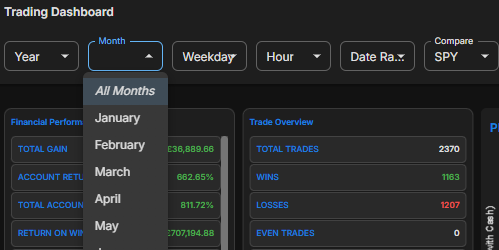
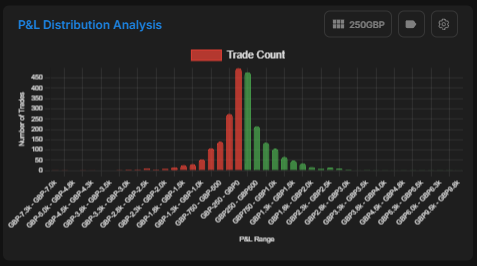
Slice and dice your data by Year, Month, Weekday, Hour, and custom date ranges. Filter by strategies, mistakes, and specific trading patterns.
Overview
Clarity comes from contrast. Our granular filtering engine allows you to compare your performance across almost any dimension. Want to know how your "Gap & Go" strategy performs on Tuesday mornings during high volatility? With three clicks, you can isolate exactly that data, helping you double down on what works and cut what doesn’t.
Key capabilities
Multi-criteria Filters
Time-based Slicing
Attribute Grouping
Custom Date Ranges
Screenshots
🌙 Dark
Dark mode — stacked filters applied live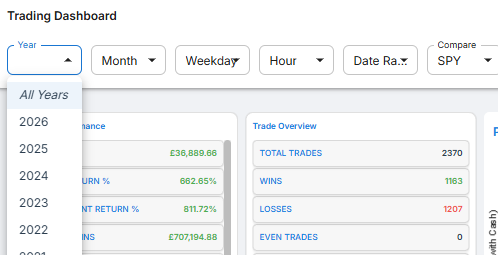
☀️ Light
Light mode — filter panel with presetsExplore more features
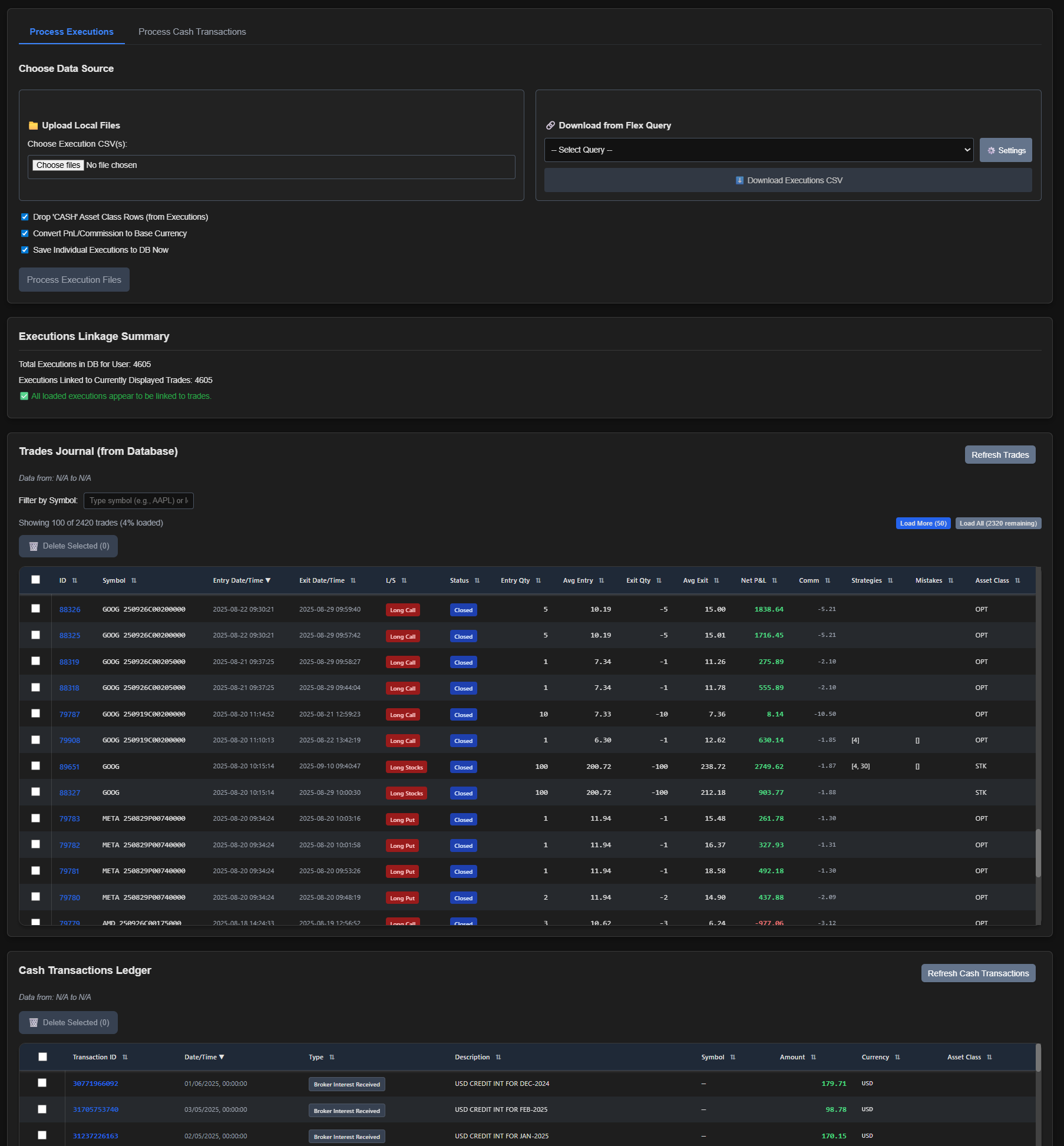
Data Import
Explore
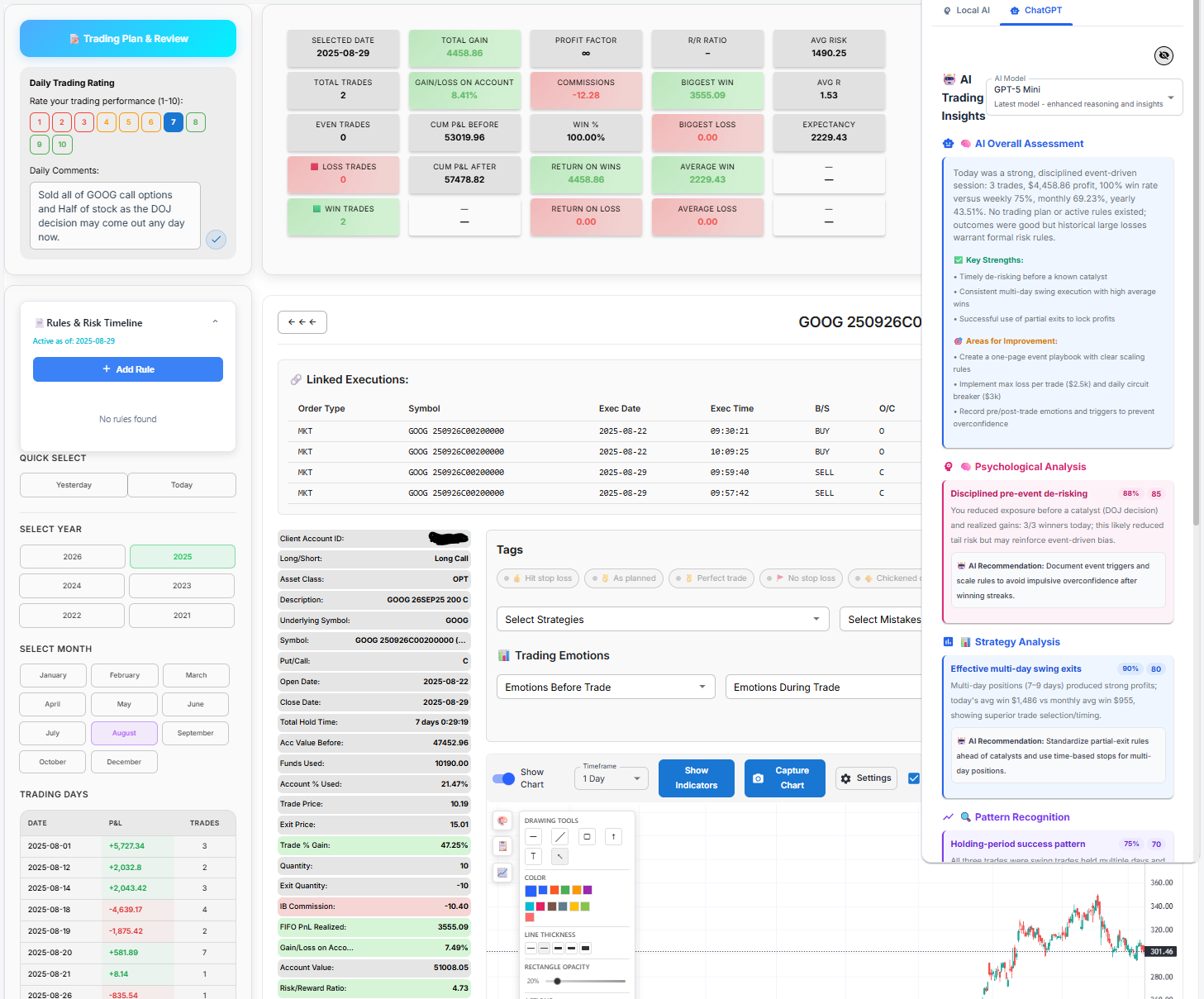
Trade Tables
Explore
Analytics
Explore